What Is EXIF Metadata?
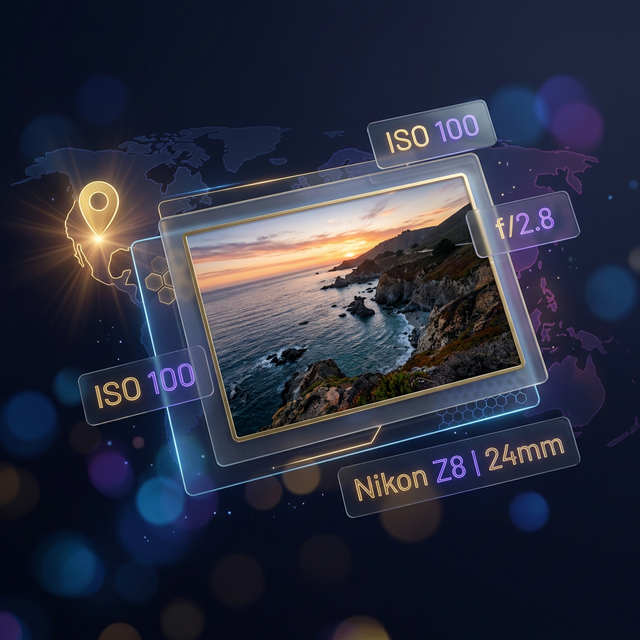
Every time you snap a photo with your smartphone or a professional DSLR, the camera embeds a treasure trove of technical data directly into the image file. This format, known as EXIF (Exchangeable Image File Format), acts like a digital fingerprint, recording exactly how and when that moment was captured.
From the shutter speed and aperture setting to the precise GPS coordinates of where you stood, EXIF data is invaluable for photographers and developers—but it also carries significant privacy implications.
Did you know? Many social media platforms like Instagram or WhatsApp automatically strip EXIF metadata to protect your privacy. However, original files sent via email or cloud storage often retain this sensitive information.
Why Inspect Your Image Metadata?
Understanding the metadata attached to your photos is about more than just curiosity; it’s about control and learning.
1. Reverse-Engineer Professional Shots
Ever wonder how a photographer achieved a specific look? By viewing the EXIF data, you can see the Aperture (f-stop), ISO, and Exposure Time. This allows you to learn from your favorite shots and improve your own technique.
2. Verify GPS and Location Security
Smartphones automatically tag photos with GPS coordinates. While useful for organizing vacation albums, sharing an original photo of your home or office on a public forum can inadvertently reveal your location. Using a viewer allows you to check for this data before you share.
3. Identify File Integrity
Was the photo edited in Photoshop? When was it actually created? EXIF records the Modify Date and often identifies the software used to process the image.
Open EXIF Metadata Viewer↗Our tool is designed to show this information in seconds, and with no need to upload your image to a server.
Privacy Matters: The Knicknaks Approach
Most online EXIF viewers require you to upload your image to their servers. This is a massive security risk, as you are essentially giving a third party your original photo and all the sensitive location data within it.
At Knicknaks, our EXIF Metadata Viewer works entirely client-side.
- No Uploads: Your photo never leaves your device.
- Instant Processing: Using the Web Crypto API and modern browser tech, we parse the bytes locally.
- Total Privacy: We don’t track, log, or store your images or their metadata.
Key Data Points You Can Discover
Our tool categorizes metadata into intuitive sections, making it easy to find what you’re looking for:
📷 Camera & Lens Information
Discover the Make and Model of the camera, the serial number, and specifically which lens was used to capture the image.
⚙️ Exposure & Technical Settings
See the exact “Nitty-Gritty” details:
- ISO Speed: How sensitive the sensor was to light.
- Focal Length: The magnification level of the lens.
- Metering Mode: How the camera calculated the light.
- Flash Status: Whether the flash fired or was suppressed.
📍 GPS & Mapping
If the image contains coordinates, our tool not only extracts the decimal latitude and longitude but also generates a localized map to show you exactly where the photo was taken.
✍️ Creator & Rights
Check for Copyright notices, artist names, and license URLs embedded by professional photographers or stock photo agencies.
How to use the EXIF Metadata Viewer
- Upload or Drag & Drop: Simply drop your
.jpg,.png, or.heicfile into the viewer. - Instant Preview: View a thumbnail of your image alongside its core file details.
- Explore Sections: Use the collapsible sections to dive into GPS, Creator, or Advanced technical tags.
- Copy with Ease: Quickly copy any metadata field with a single click for your notes or documentation.
By understanding the hidden blueprint of your photographs, you can become a more informed creator and a more privacy-conscious netizen. Give the Knicknaks EXIF viewer a try today!